


Spinwinera on Mobile Devices
The Spinwinera app for Android and iOS provides access to the platform’s game catalog and account features on mobile devices. The service functions on modern smartphones and tablets, adapting to different screen formats. The mobile version includes the same functionality as the desktop site. The casino operates as a progressive web app (PWA), so users do not need to install third-party files to access it.


Spinwinera Casino on Mobile Devices
Most modern online platforms offer mobile access, and Spinwinera Casino provides a mobile version compatible with Android and iOS devices. The interface is optimized for smaller screens and designed for straightforward navigation.
The mobile platform includes access to the full game catalog of more than 6,000 titles, payment methods, bonus programs, and customer support. Data transmission is protected with SSL encryption.
Below are key aspects of the Spinwinera mobile experience compared with the desktop version.
| Feature | Mobile software | PC version |
| Accessibility | You can play anywhere, anytime from your smartphone or tablet. | It requires a desktop or laptop. |
| Notifications | Users get push notifications for bonuses, tournaments, and free spins. | There are no real-time notifications unless you log in. |
| Security | You are able to use a biometric login (Face ID / Fingerprint) for added security. | It relies only on a password login. |
| Offline access | Some games or account actions work even without a full internet connection. | This version requires a stable connection at all times. |
Spinwinera App for Android Devices
The Spinwinera mobile version provides access to the platform from various locations and devices. For Android users, a progressive web app (PWA) is available. It operates on modern smartphones and tablets without requiring installation of external APK files from unknown sources.
The mobile interface replicates the structure and features of the desktop site, adapted for touch navigation and smaller screens. To add the Spinwinera app icon on an Android device, follow these steps:
- Visit the official website.
- Scroll to the footer and select the “Casino App” option.
- Confirm the installation prompt.
- The Spinwinera icon will appear on the device’s home screen.
Users who do not wish to install the app can access the platform through any mobile browser. Many browsers also allow adding a home-screen shortcut for quicker access.
Spinwinera App for iOS Devices
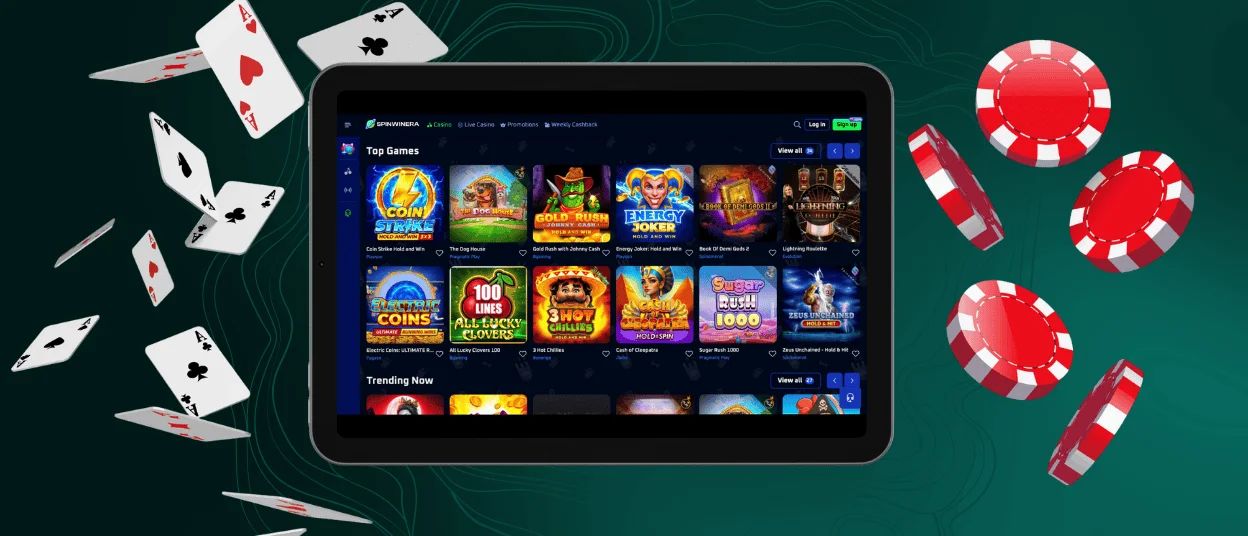
The Spinwinera mobile platform is available for iOS and works on all current iPhone and iPad models. The interface adapts to different screen formats and supports the same core functions as the desktop version, including access to slots, table games, and live-dealer titles. Installation on iOS follows the same steps as for Android.
Spinwinera can also be accessed through any mobile browser. The browser version maintains the same structure and features as the desktop site and is optimized for touch controls. Users who prefer quick access can add a shortcut to the home screen by using the following method:
- Open the Shortcuts app on the device.
- Tap the + icon to create a new shortcut.
- Select Add Action and enter the Spinwinera website address.
- Tap the down arrow next to the shortcut name and select Add to Home Screen.
Optionally rename the shortcut, then confirm by tapping Add.

Spinwinera Access on Windows and macOS Devices
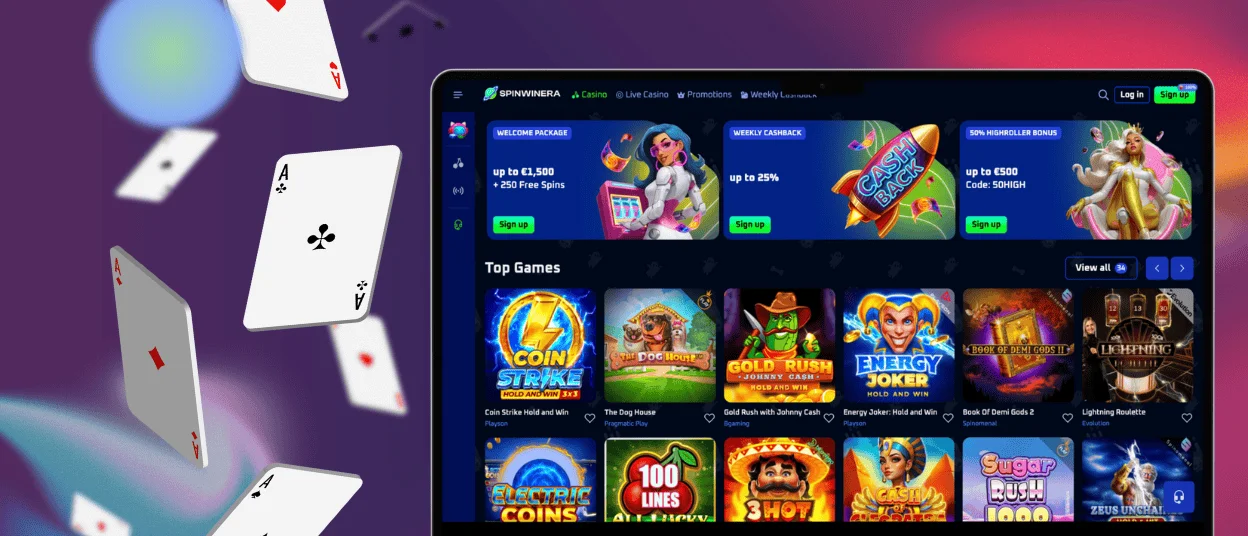
Spinwinera Casino is also available for desktop users who prefer playing from a computer. The platform can be accessed through any modern web browser by entering the website address.
For faster access, a shortcut can be added to the desktop or home screen through the browser menu’s “Add to home screen” option. If assistance is required, support is available 24/7 via live chat or email.
FAQ
Is There Customer Support in the Spinwinera Casino App?
The Spinwinera mobile version provides access to the same functionality as the desktop platform, including customer support via live chat. Assistance is also available by email from any device. Support services operate around the clock.
Do I Need an Account to Use the Spinwinera App?
An account is required to use the Spinwinera app and access features such as games, payment options, and customer support. The registration procedure takes a few minutes and involves entering basic user information. After completing the sign-up process, all platform functions become available within the app.
Can I Make Deposits and Withdrawals Directly in the App?
Deposits and withdrawals can be carried out through the Spinwinera app using the same payment methods as on the desktop version. Identity verification may be required before processing a first withdrawal. Transaction procedures follow standard platform policies.


